Published by December 18, 2025 · Reading time 17 minutes · Created by Lix.so
Getting a grip on Facebook Ads reporting is all about focusing on the numbers that actually move the needle. When you know which metrics matter, you can quickly decide whether to ramp up spend or try a new angle. Reach, Frequency, CPM, CPC, CTR, and ROAS are your go-to signals.
If your ads reach a ton of people but clicks stay flat, it’s usually a sign you need to refresh your creative.
By mid-2025, Facebook reported over 3 billion monthly active users, with ad reach hitting roughly 2.28 billion. Global ARPU sat near $13.12, but in the US and Canada it shot past $68.44—a stark reminder that geography can make or break your ROI.
Before you dive into building dashboards or exporting reports, let’s break down how audience size and ARPU differ across key markets:
Audience Reach And ARPU By Region
Below is a quick snapshot of monthly users and average revenue per user by region. This helps set realistic targets for cost and returns.
| Region | Monthly Active Users | ARPU |
|---|---|---|
| North America | 350 million | $68.44 |
| Europe | 420 million | $29.50 |
| Asia-Pacific | 1.2 billion | $9.25 |
| Latin America | 400 million | $5.10 |
Notice how higher ARPU markets often come with bigger CPMs but also fatter margins. In contrast, lower-ARPU regions can drive volume at a cheaper rate, which might suit a testing-heavy approach.
This chart traces Facebook’s journey from a campus experiment to a global platform with billions of users. Each spike highlights major feature launches or expansion into new markets.
Start by picking one metric—say, CTR—and compare it across regions. Next, layer in ROAS to see where ad dollars stretch the furthest.
In one ecommerce case, Europe delivered 1.5% CTR but only a 2.8x ROAS. North America, by contrast, showed 1.2% CTR with 5x ROAS. Shifting 20% of the budget to the US immediately lifted overall performance.
Practical Tips:
Keep this exercise on a weekly or monthly cadence. That way, raw data turns into crystal-clear next steps—every time you pull a custom report in Ads Manager or Analytics. Check out our guide on tracking ads on Facebook for more setup tips.
Choosing your metrics before diving into report building saves you from endless back-and-forth. It’s a small step that prevents hours of rework later.
One ecommerce team I work with locked in impressions, CPM, CPC, CTR, conversion rate, and ROAS right away. Each metric serves a clear purpose in understanding reach, cost efficiency, engagement, and revenue return.
Below is a snapshot of essential metrics you’ll want in your Facebook Ads report.
| KPI | Definition | Why It Matters |
|---|---|---|
| Impressions | Total times your ad was shown | Sets the foundation for reach |
| CPM | Cost per 1,000 impressions | Measures spend efficiency |
| CPC | Cost per click | Tracks how much you pay for engagement |
| CTR | Clicks ÷ Impressions | Indicates how compelling your creative is |
| Conversion Rate | Percentage of clicks that turn into actions | Shows which ads drive real results |
| ROAS | Return on ad spend | Links spend directly to revenue |
That quick reference helps you pick the right KPIs for your goals.
From here, you can drill down by region or device in Ads Manager. That filter reveals insights like a slide in mobile conversions across Europe or a spike in desktop CPM throughout APAC.

Notice how regional filters and column grouping appear in the custom report builder for granular analysis.
Locking in your metric layout only takes a couple of clicks.
Clear folder structures and consistent file names keep reporting transparent. We name ours something like ecommerce_weekly_IMPS-CPM_CTR_ROAS_v01 so date, metrics, and version are all in view.
Facebook ad revenue climbed from about $40 billion in 2017 to nearly $122 billion in 2024. That growth underlines why precise reporting matters. Learn more about Facebook ad revenue trends on Oberlo.
Always append version numbers like v01, v02 to templates so edits remain traceable.
A few extra tips:
These simple steps keep your Facebook advertising reports organized and audit-ready.
Next up, learn how to schedule automated report delivery.

Once your KPIs are locked down, dive into Facebook Ads Manager’s custom report builder. Here, you can shuffle columns around to surface metrics like CTR, CPM, and ROAS, then slice by age or region to see exactly where your most responsive audiences live.
Digging into granular breakdowns often uncovers surprising efficiency pockets. For example, you may find that mobile users aged 25–34 are delivering a 1.8x ROAS versus desktop. Suddenly, reallocating budget isn’t guesswork—it’s a data-driven shift.
Think of dashboards as living documents. Agencies I work with often group views by industry or funnel stage—one B2B team even built folders for lead gen, brand awareness, and retargeting dashboards.
Renaming each view with clear dates and versions (for instance, ecom_Q2_imps-cpm_CTR_v03) stops teammates from wondering which set of numbers they’re looking at.
Tip: Organize dashboards in folders by objective so teammates locate views quickly.
When the layout feels solid, export your table as a CSV. Adopt a naming pattern like YYYYMMDD_clientobjective_metrics.csv so files stack in chronological order.
At this point, set up automated refreshes inside Ads Manager or via a simple script. A daily email keeps stakeholders in the loop; if your team prefers a broader look, a weekly report works just as well.
Templating your reports can shave hours off your next update. Start with a master CSV that has all your headers and drop-in formulas. Each period, duplicate that file, update the dates, and watch the formulas do the rest.
You can even link that template to Google Sheets through the FB Ads API. Check out our guide on the FB Ads API for step-by-step setup. This reduces copy errors and ensures everyone’s on the same page.
| Campaign Type | CTR | CPC | Conv. Rate | CPL (2025) |
|---|---|---|---|---|
| Lead Gen | 2.53% | – | 7–9% | $27.66 |
| Traffic | 1.57% | $0.77–$1.88 | – | – |
Learn more about these benchmarks in the SproutSocial report.
A clear folder structure is your best friend. I recommend:
Once dashboards and templates live in a logical hierarchy with consistent naming conventions, reporting transforms from a dreaded chore into a daily strategic insight.
Manual report exports can drain hours each week. Instead, set up automated emails in Facebook Ads Manager so your team always has the latest data.
Ads Manager makes it simple: choose a template, define who gets the report, and pick how often it shows up. Then move on to more strategic work.
Open Reports in Ads Manager, select a saved view, and click Schedule. From there you can:
• Choose CSV, Excel, or PDF outputs
• Add several file formats or link files via Google Drive
• Use placeholders in email subjects (for dynamic dates, campaign names, etc.)
One marketing team sends CPC and ROAS snapshots every Monday at 8:00 AM. It syncs perfectly with their planning huddle and means nobody ever jumps into a meeting without context.
In trials across multiple agencies, automated reporting slashed manual exports by 70% or more. The result? Teams spend less time wrangling spreadsheets and more time tweaking ad strategies.
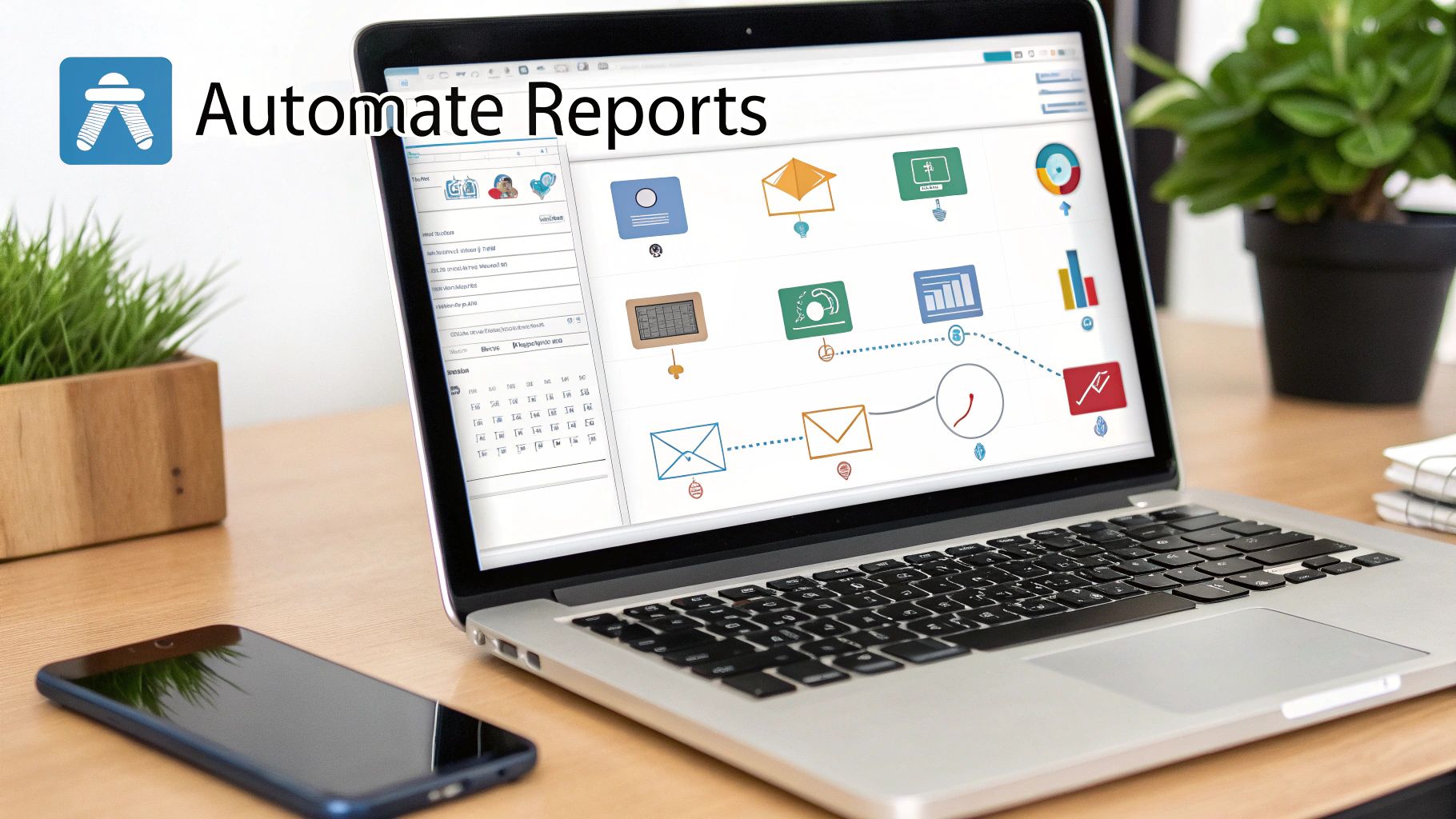
For constantly updating metrics, link Facebook’s API to Google Sheets or Data Studio. Tools like Zapier and Integromat handle the heavy lifting.
Key setup tasks include:
• Authenticating via OAuth in your chosen integration
• Mapping core fields—impressions, clicks, spend—to sheet columns
• Scheduling hourly or custom intervals so numbers never go stale
Zapier even auto-adjusts for Meta’s API quotas, ensuring your dashboard refreshes without hitting rate limits. No developer required.
To alert your team, push performance summaries into Slack or Teams. Simply send a POST request with a JSON payload to your workspace’s incoming webhook URL. That way, reports drop right into the channels you already use.
If you prefer visual workflows, these templates can get you started in minutes:
• Zapier: New report in Facebook Ads → Add row in Google Sheets → Notification in Slack
• Integromat: Extract sheet data → Build a PDF → Email via Gmail
| Tool | Use Case | Ideal For |
|---|---|---|
| Zapier | Notifications via email/Slack | Non-technical |
| Integromat | PDF reports delivered by Gmail | Visual workflows |
Teams that switch to these no-code flows often cut repetitive tasks by 85%, freeing up hours for creative testing.
Email filters and domain reputations can interfere with delivery. Make sure to:
• Add SPF and DKIM records for your sending address
• Whitelist automation accounts at the corporate level
• Match your CSV headers exactly with template variables
Rotate API credentials every quarter to keep your integration secure.
When you work with large datasets, consider:
• Batching requests to 200 rows at a time
• Using cursor-based pagination in API calls
• Caching recent data locally to avoid duplicate pulls
These practices maintain reliable reporting and support advanced filters, real-time alerts, or segment-specific views.
Want to dive deeper into these scheduling workflows and assets? Check out our guide on Facebook Ads automation reporting.
Even the most solid reporting setup can run into data misalignment. Tiny discrepancies hide major blind spots, and that’s where decisions start to go sideways. Pinpointing these snags early keeps your insights sharp.
Attribution rules are a classic culprit. Ads Manager might use a 1-day click and 7-day view window while Analytics defaults to 7-day click. Suddenly your conversion totals don’t match.
Most teams wrestle with:
You’ll find the attribution settings in your Ads Manager campaign view. Make sure both Ads Manager and Analytics are set to a 7-day click window. Then, pull in historical data again so yesterday’s metrics line up with today’s.
When we aligned attribution windows, one marketer closed a 20% data gap that had been throwing off optimizations.
Once windows match, double-check your date filters. Even a one-day misalignment can bury spikes or mask sudden drops.
| Metric | Before Adjustment | After Adjustment |
|---|---|---|
| Reported Sales | 800 | 960 |
| Conversion Count | 400 | 480 |
Ads Manager runs on account-level timezones; Analytics often defaults to UTC. Here’s how to bring them into sync:
Duplicate tracking rules are another sneaky issue. Hunt down redundant pixels and strip out any overlaps.
Pixel-firing delays? Bust out the Chrome Event Debugger to see load times in real time. Then:
Think of an audit trail as your data’s safety net. Keep a changelog with:
When an anomaly pops up, you can roll back and trace it in seconds.
Also, label every report tweak with a short note. For instance, mention when a new ad set joined a campaign or when you expanded a filter to include Instagram placements. That extra layer of context turns hunting down number shifts into a quick pattern-spotting exercise.
Here’s to smooth reporting and faster troubleshooting.
When you dive into your facebook advertising reporting, the story really comes to life once you slice metrics across audiences, devices, placements, and creative. This isn’t about drowning in data—it’s about spotting the exact moments where you’re bleeding budget and uncovering pockets of opportunity.
Compare desktop and mobile side by side, and you might see desktop impressions costing 30% more but converting at a lower rate. That’s a signal to rethink your allocation—and fast.
Breaking out performance by device often uncovers quick wins. Mobile might boast a 2x CTR over desktop, yet lag in ROAS—hinting that your creative format or size could be off.
Placement analysis is just as revealing. High CPMs in Stories but scant clicks? Try shifting budget from Stories to Feeds and watch revenue climb.
A mid-sized ecommerce brand noticed North American CPMs creeping up. By moving 20% of that budget into Latin America—where ARPU held steady—they lifted overall ROAS by 25% in just two report cycles.
An agency tested age brackets across multiple ad sets. Once 25–34-year-olds proved 1.7x more likely to purchase than 18–24s, they doubled that segment’s budget. The result? Cost efficiency improved across every campaign.
A steady decline in CTR often points to creative fatigue or messaging that’s lost its spark. Keep an eye on frequency, too—once it tops 3, you risk audience burnout.
Your deck should open with a punchy headline that ties back to the campaign objective. Dedicate a slide to each insight, pairing a clear chart with your recommendation.
“Translate complex metrics into simple impact statements so non-technical stakeholders stay aligned.”
Choose your cadence based on spend and volatility. High-budget campaigns warrant daily snapshots; smaller tests often survive on weekly overviews. When CTR dips or CPC climbs, tweak your bids on under-spent, top-performing segments. If an audience hits frequency caps above 5, consider pausing or lowering bids to avoid ad fatigue.
Craft client-friendly decks with bold callouts and concise bullet points. That way, your findings aren’t just numbers—they become a dynamic playbook for growth.
When you dig into Facebook Ads reporting, focus on the numbers that really matter. CTR, CPC, CPM, and ROAS tie ad engagement directly to your bottom line. Meanwhile, reach and frequency show how often your audience encounters your message, and conversion rate connects clicks back to real actions.
Keeping tabs on these core metrics lets you pivot fast whenever performance shifts.
Automating report delivery saves hours every week. Ads Manager’s built-in scheduling can email you CSVs on any cadence. For real-time dashboards, plug the Facebook Ads API into Google Sheets or Data Studio.
Automating reports can free up 70% of the time you’d spend on manual exports.
Nothing derails analysis like mismatched numbers. Most of the time, it comes down to attribution windows, timezone differences, or duplicate pixel events. Fix those, and your Ads Manager and Analytics figures will line up.
| Issue | How To Fix |
|---|---|
| Attribution Mismatch | Align windows in Ads Manager settings |
| Timezone Sync | Match Analytics view to Ads timezone |
| Duplicate Conversions | Audit your pixel installation |
Different audiences need different report views. Analysts crave granular breakdowns—think age, region, device. Executives want the big picture: spend trends, ROI, and a few bullet-point takeaways.
Customizing your reports ensures stakeholders engage with insights instead of getting lost in raw numbers.
Ready to accelerate creative build and reporting? Try Lix.so
Create hundreds of Facebook Ads campaigns in minutes with Lix.so. Batch creative upload, reusable templates, and automatic campaign generation.
✓ Free for 14 days · ✓ No credit card required · ✓ Cancel anytime

